
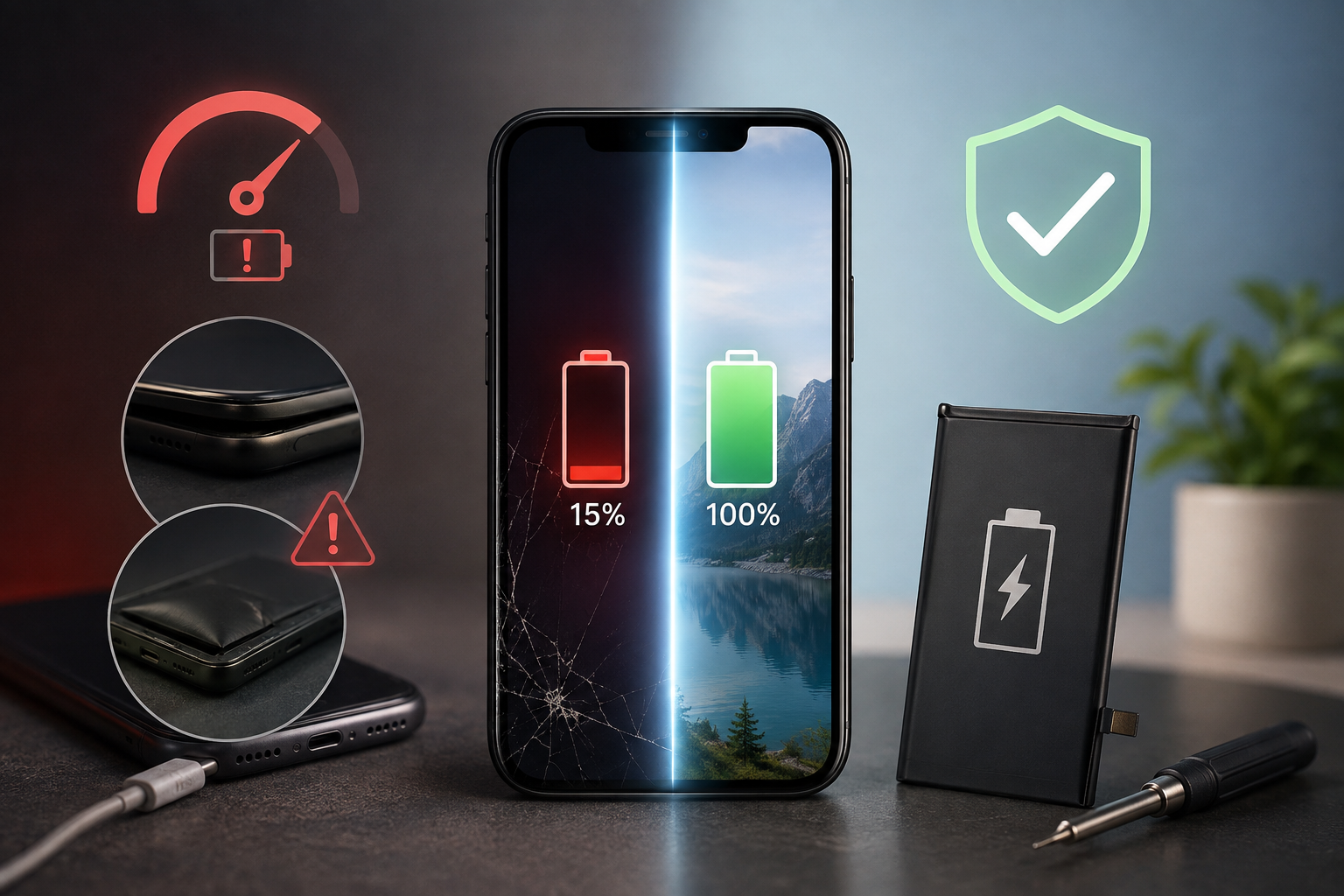
Your phone was fine last year. Now it is at 40% by lunchtime, it shuts down at the worst possible moment, and you have started carrying a cable everywhere you go.
Before you spend a thousand dollars or more on a new handset, it is worth knowing that in most cases the phone is fine. The battery is not. A lithium battery is a consumable part, like tyres or brake pads, and replacing one costs a fraction of replacing the device it sits inside.
Here is how to tell the difference.
Why phone batteries wear out
Every lithium-ion battery has a limited number of charge cycles in it. One cycle means using 100% of the battery’s capacity, which might be two half charges rather than one full one. Most phone batteries are designed to hold roughly 80% of their original capacity after somewhere around 500 full cycles, which for most people lands somewhere between the 18 month and three year mark.
Heat speeds this up, and in Perth that matters. A phone left on a car dashboard through a February afternoon, or charging under a pillow overnight, ages faster than one that stays cool. Fast charging every single day adds to it as well.
None of this is a fault. It is chemistry doing what chemistry does.
Six signs your battery is the problem
1. The percentage jumps or drops in chunks
A healthy battery drains smoothly. A worn one reports 45%, then 30% a minute later, then 12%. That is the phone losing its ability to estimate remaining charge because the voltage curve has flattened out.
2. It shuts down before hitting zero
If your phone dies at 15% or 20%, especially in cool weather or while using the camera, the battery can no longer deliver the current the phone asks for under load. This is one of the clearest signals that the cell is at the end of its useful life.
3. Performance has slowed down noticeably
On iPhones, when a battery can no longer supply peak power, iOS deliberately throttles performance to prevent unexpected shutdowns. Apps take longer to open, scrolling stutters, and the phone feels years older than it is. Replace the battery and the throttling lifts.
4. It gets hot doing nothing
Warm during gaming or navigation is normal. Warm sitting on your desk on standby is not. A degraded cell wastes more energy as heat, and heat then degrades it further.
5. Charging takes forever, or the phone will not hold charge overnight
Losing 20% or more overnight in aeroplane mode, or needing hours to reach full, both point at the battery rather than the charger. Try a different cable and wall plug first to rule out the cheap accessory sitting in your bag.
6. The back or screen is lifting
This one is urgent. A swollen battery pushes the display up from the frame or creates a visible gap around the edges of the phone. Stop charging it, stop using it, and bring it in. A swollen lithium cell is a genuine fire risk, and it should never be punctured or forced back into place.
How to check your battery health yourself
On iPhone: open Settings, then Battery, then Battery Health & Charging. You will see Maximum Capacity as a percentage. Apple treats anything under 80% as a battery due for service, though many people notice problems well before that.
On Samsung: open the Samsung Members app, go to Support, then Phone diagnostics, and run the battery status test. It reports battery life as Good, Normal or Weak.
On most other Android phones: open Settings, then Battery, then Battery usage, and look at how quickly the graph falls over a full day. Free apps such as AccuBattery can estimate real capacity over a week of normal use, which is more reliable than a single reading.
If the number looks fine but the phone still behaves badly, the issue may be a background app, a failing charging port, or software. Worth getting checked rather than guessed.
Replace the battery, or replace the phone?
Replacing the battery makes sense when the phone otherwise does everything you need, the screen and body are in good condition, and it still receives software and security updates.
Buying new makes more sense when the phone has stopped receiving security updates, when it is already carrying other faults such as a cracked screen and a dead speaker, or when you genuinely want features the current device cannot offer.
For most people with a phone between two and four years old, a battery is the cheaper and far less disruptive option. No transferring data, no re-authenticating every banking app, no learning a new camera.
A word on DIY kits and cheap batteries
Battery kits online look tempting. Two things to keep in mind.
The first is that modern phones are built to resist water and dust using adhesive seals that are destroyed the moment the device is opened. Without the correct replacement seals and a proper reassembly, that protection is gone.
The second is cell quality. A no-name battery may claim a higher capacity than the original while actually holding less, ageing faster, and running hotter. On iPhones, non-genuine cells can also trigger battery health warnings and hide the capacity readout entirely.
If you are replacing a battery, it is worth using a quality cell and having it fitted properly the first time.
Get it sorted at Telespace
Telespace stocks replacement batteries for iPhone, Samsung, Google, OPPO, Huawei, HTC, MacBook and other laptops, plus smartwatch batteries, and we fit them in store across our Mirrabooka, Ocean Keys, Rockingham and Flinders branches.
Not sure whether the battery is really the culprit? Bring the phone in and we will test it before you commit to anything.