
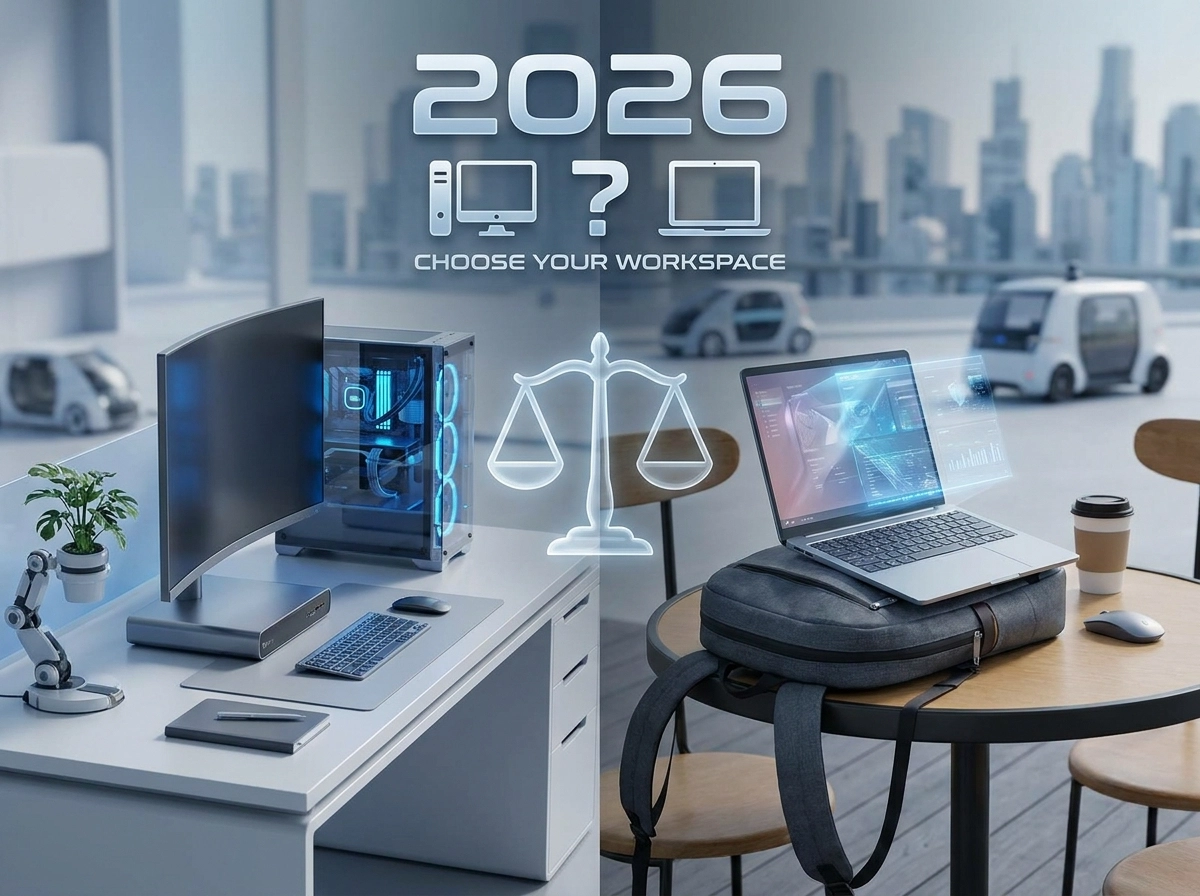
We get asked this at the counter more than almost anything else. Usually the answer has nothing to do with specs and everything to do with where the machine will spend its life.
Start with where you work, not what you want to buy
A laptop and a desktop with identical specs will cost very differently, and one of them will feel like the wrong choice within a month. Before comparing processors, answer one question honestly: does this machine need to leave the house?
If the answer is yes, even occasionally, a laptop wins. If the answer is genuinely no, a desktop gives you more machine for the same rupee, every time.
When a laptop is the right call
- You study or work across more than one location: home, campus, a cafe, a client site
- You need it for calls, lectures or meetings where a webcam and mic matter
- Desk space is limited or shared with someone else
- You want something you can close and carry without a second thought
The trade-off is price. A laptop with the Aero Slim 14’s specs, a Core i7-13700H, 16GB and a 1TB NVMe drive, costs more than a desktop with the same core specs, because you are also paying for the battery, screen, thin chassis and cooling engineering that fitting all that into a laptop demands.
When a desktop is the right call
- The machine lives on one desk and stays there
- You want the most performance for the least money
- You expect to upgrade parts later rather than replace the whole machine
- You are running anything that generates real heat over long sessions: rendering, compiling, gaming for hours
The Office Tower Essential is the clearest example of this trade-off working in your favour. A Core i5-12400 desktop at that price point would cost noticeably more as a laptop, for less thermal headroom and no upgrade path. Desktops also tend to last longer in practical terms, since a failed component is a swap, not a full replacement.
The middle ground people forget
If you want desktop pricing with laptop-like flexibility, a small form factor desktop paired with a monitor you already own, or plan to add later like the Vision 27 QHD, often ends up cheaper than either extreme while still fitting on a small desk. It is worth asking about if space is the only reason you were leaning toward a laptop.
A few honest rules of thumb
Students moving between lectures and home: laptop, prioritise battery life and weight over raw power unless you are also gaming or doing heavy editing.
Remote or hybrid office work: laptop if you travel for meetings, desktop plus a laptop stand for a second screen if you mostly work from one spot.
Gaming, streaming, editing: desktop almost every time. You get significantly more performance per rupee, and better sustained performance under load, which matters more than people expect once a session runs past an hour.
Tight budget, single location: desktop, no exceptions. It is the only category where your money goes entirely into performance rather than partly into portability.
Bring in the use case, not the spec sheet
The most common mistake we see is someone buying a laptop because it feels like the “proper” modern choice, then using it exclusively at one desk for two years. If that is you, a desktop would have bought more machine for less money.
Tell us what the computer needs to do and where it needs to do it, and we will point you at the right category before we even get to brands and specs.
Chat on WhatsApp or call the shop and we will talk it th